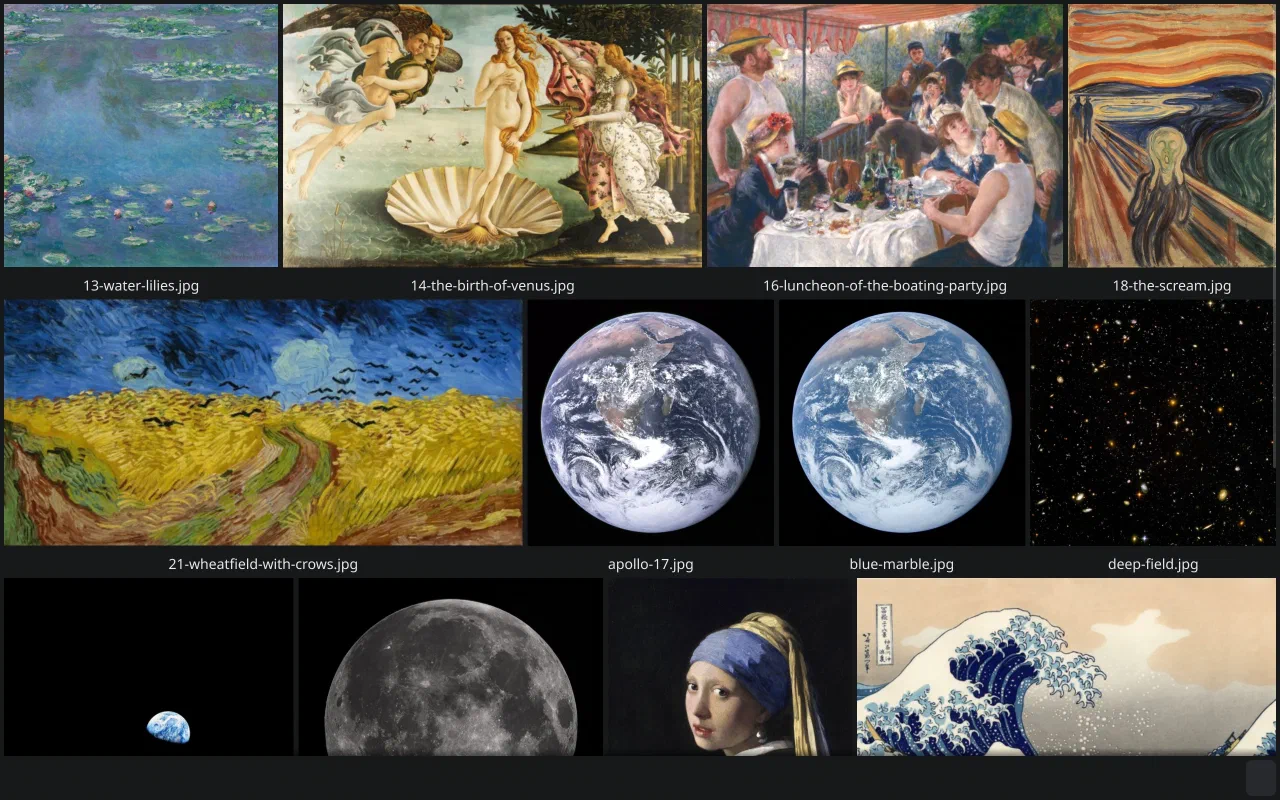
Point it at a folder.
imgview is the app you open before you have decided to organise anything. Give it a directory, a single image, a video or an archive. It reads the folder, builds a gallery and gets out of the way.
- Justified rows that fill the window, paginated at 500 images and cached on disk.
- Folder tiles show a preview and swipe through up to ten images inside.
- No database. Nothing to configure, nothing to back up, nothing to migrate.
 imgview
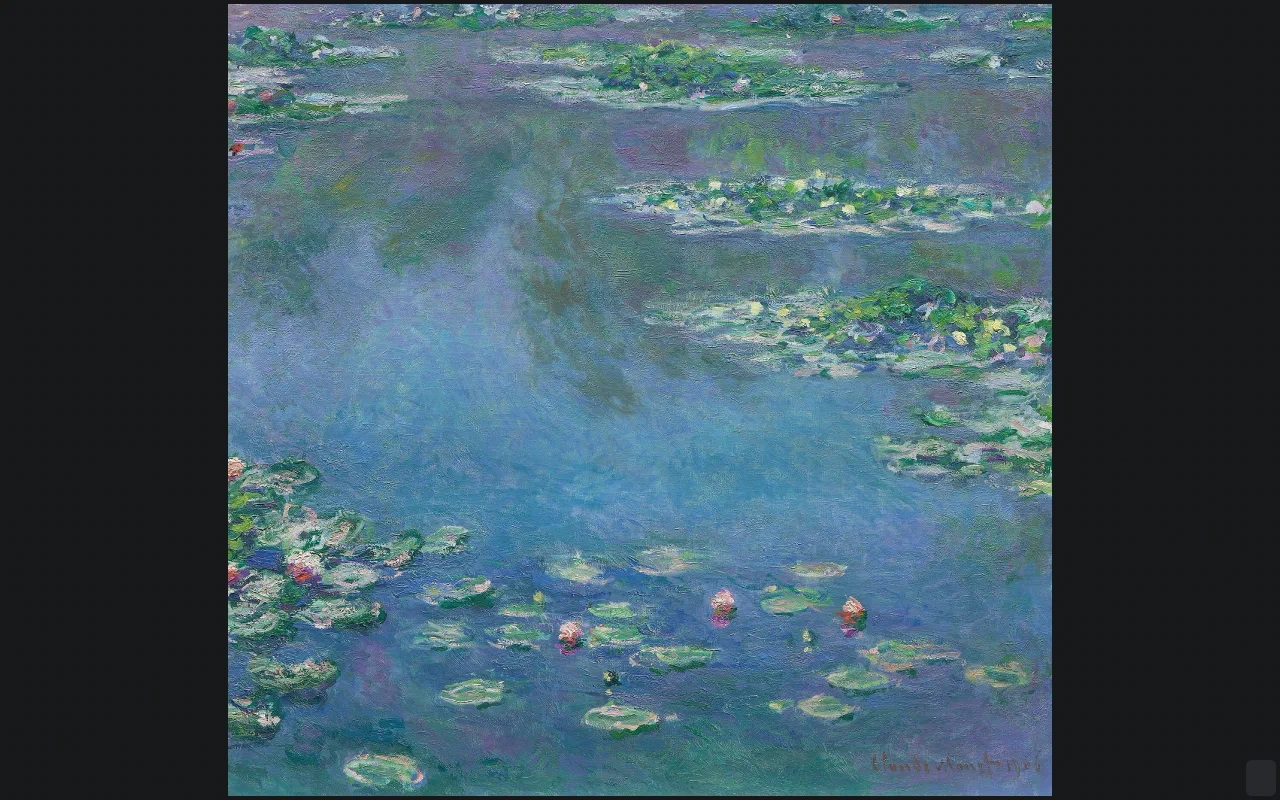
The single-image view: fill the window, or show it at original size.
The details, on demand.
Press I for the image information overlay: camera, exposure, dimensions and the file itself. It loads asynchronously, so large files do not block the next image.
- EXIF and file info without leaving the viewer.
- Zoom, pan, rotate and fullscreen, all from the keyboard or the mouse.
- Rebindable keys for everything, including one key that runs your own command on the file.
imgview
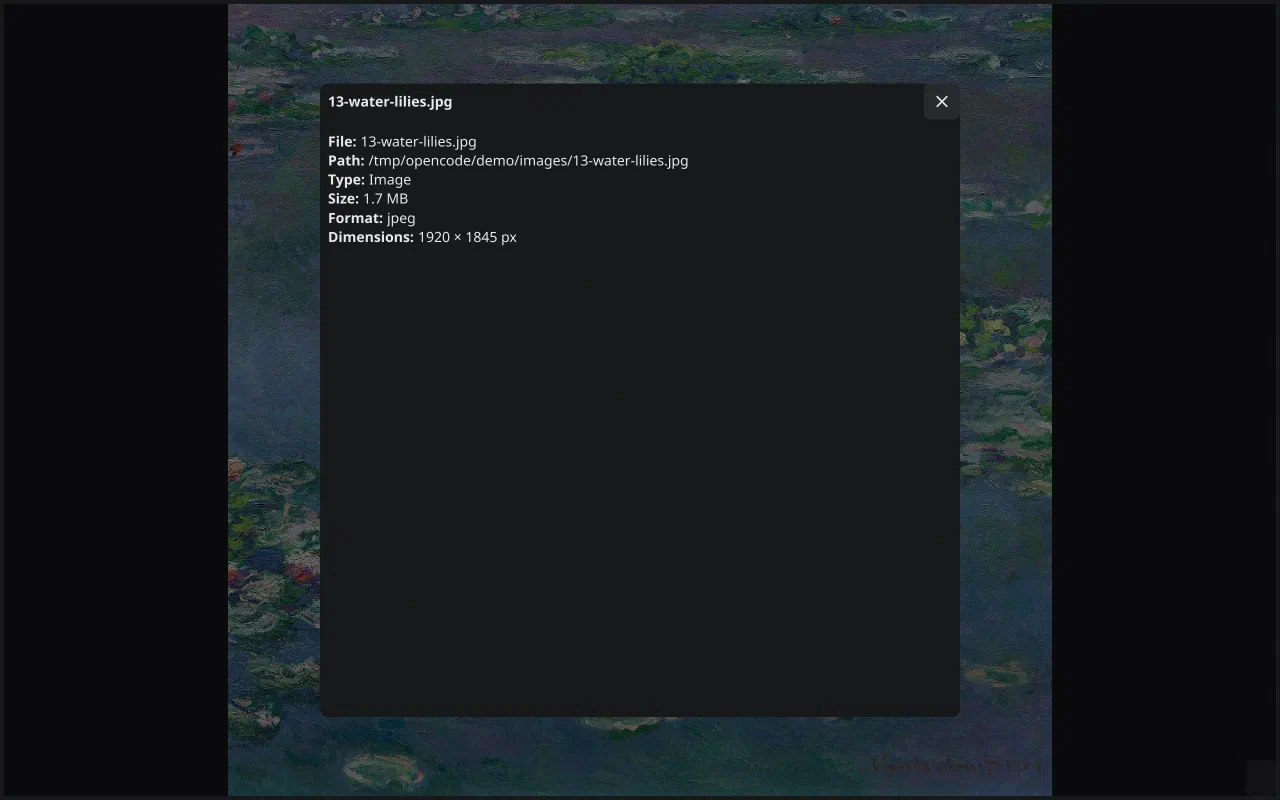
The info overlay: EXIF, dimensions and the path, loaded without blocking the image.
Archives open like folders.
zip, rar, tar, 7z, cbr and cbz are all just sources of images. Open one and
imgview treats it as a directory, with the archive's own cover as the tile
preview. Video is played by libmpv, with frame thumbnails on the tile and a
strip of frames for a quick scan. Build with -tags nompv and the
video code disappears.
- Comic readers: cbz/cbr pages in reading order.
- Android uses the system folder picker; the same gallery, a touch-first layout.
- One binary, no service, no tie connection required.
 keys · defaults
J / ↓  scroll down        K / ↑  scroll up
← / →  previous / next    S      original size
H / L  rotate left / right X      fit window
N      filenames          I      image info
T      tag bar            E      run your command
F      fullscreen         Esc    back / quit
The gallery engine
imgview and tie-view share the same gallery/ package: the justified layout,
the thumbnail pipeline, pagination, the tile updater, the info overlay and the
drawer. tie-fm uses it for its preview pane, and tie-audio for the cover wall.
That is why a fix to scrolling or HiDPI tiles lands in every app at once.