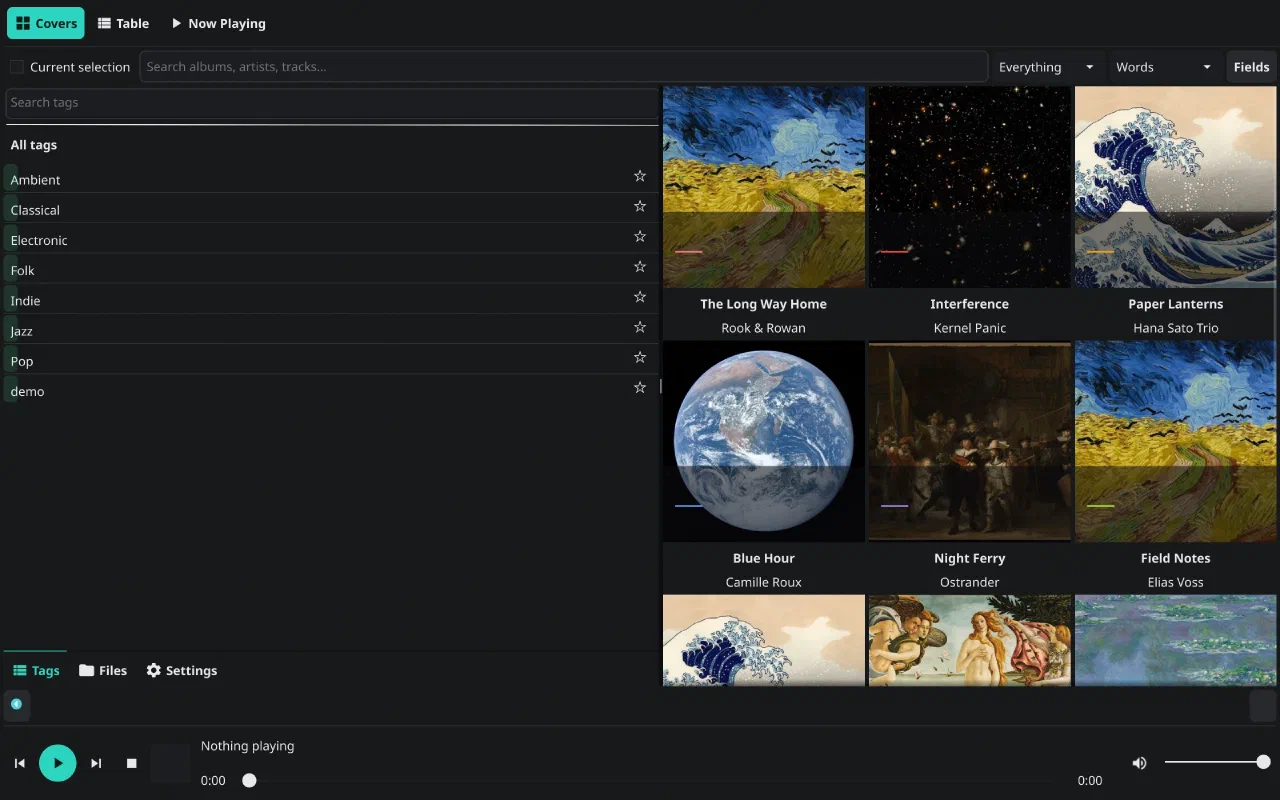
A home that remembers.
Jump back in, recently played, recently added, because you played something else, haven't heard in a while, on this day. The shelves are queries over the play history that tie-audio records in tie, not a separate recommendation service.
- Play history is data. Each play is an idempotent event with a count and a timestamp.
- On this day is a date query, not a playlist you maintain by hand.
- Favourites come from the same tags tie-view uses.
 tie-audio
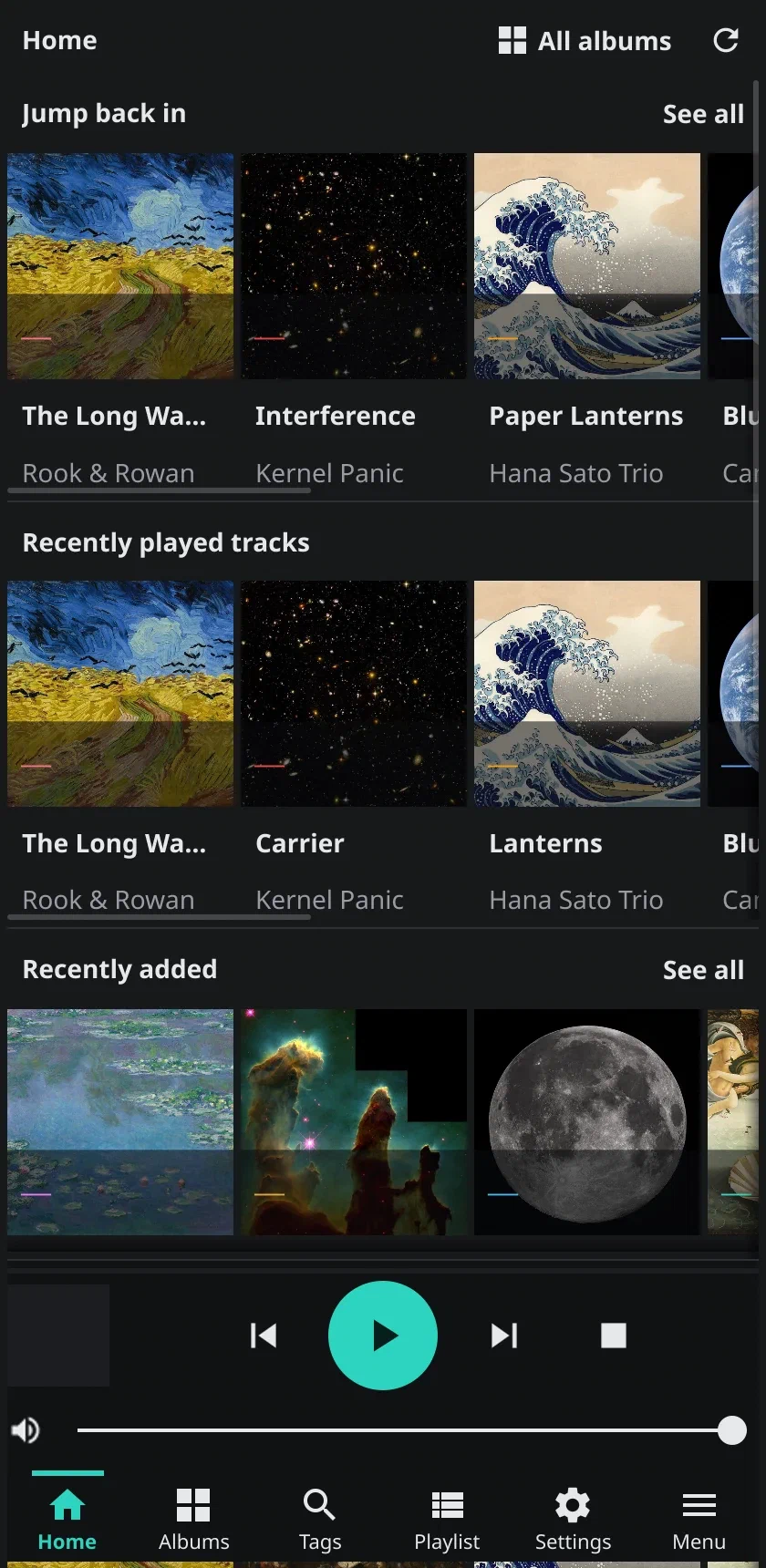
The compact layout is the same app: shelves, a mini player and a bottom nav.
The wall, the table, the queue.
Covers for browsing, a sortable table for finding, and a queue that is visible while you are anywhere else. Choose columns, reorder, shuffle, save the queue as a playlist — then find it under Playlists tomorrow.
- Gapless local playback over PipeWire, or a remote
pwplay-server. - CUE sheets and zipped albums are first-class albums, not a folder of tracks.
- Search covers albums, artists and tracks with the same field selector as the rest of the app.
tie-audio
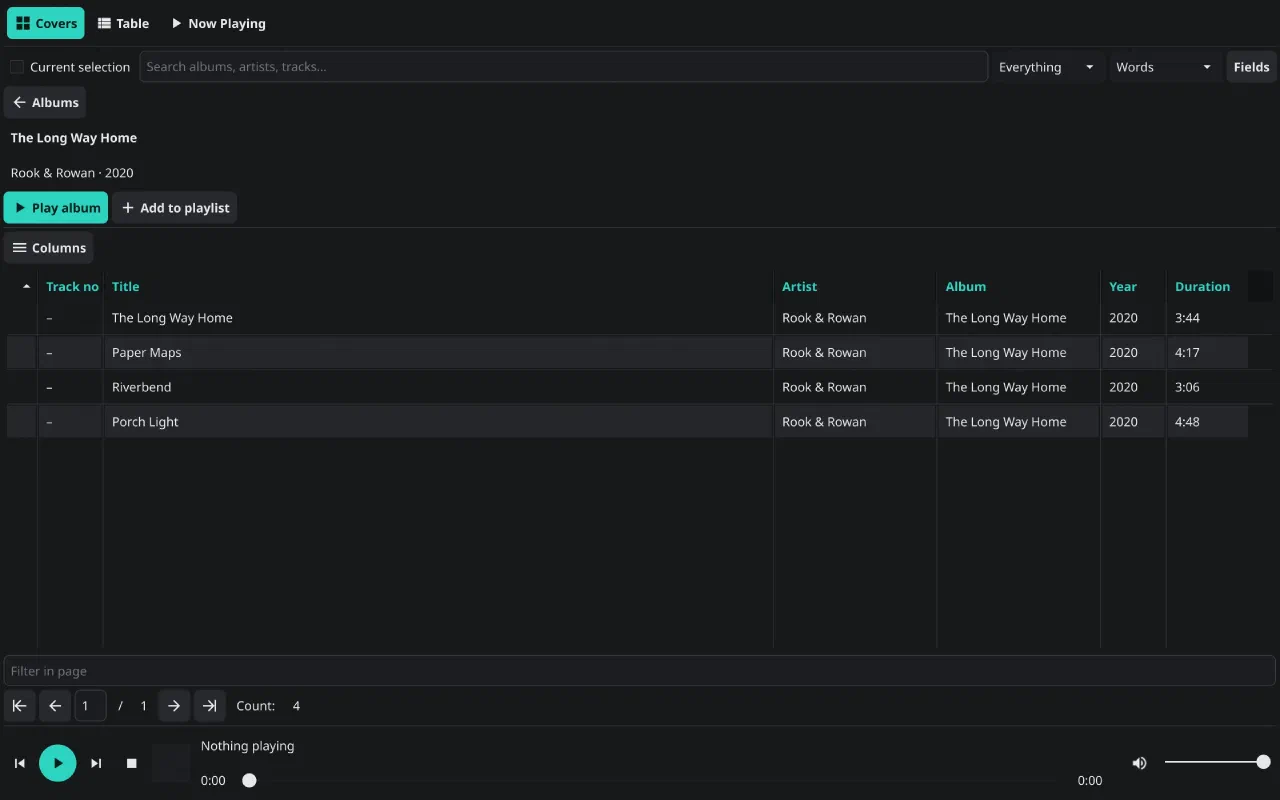
An album is a page, with Play album, Add to playlist, and a track table you can sort.
Media keys, lock screens, no surprises.
MPRIS 2 on Linux means your keyboard's play button and playerctl
just work. On Android, playback sits in the media session with lock-screen
controls and audio focus. The history recorder is the only thing that writes
back, and it writes to tie.
- Flac, MP3, WAV, OGG, Opus — decoded by your system, not bundled codecs.
- Remote control via
tie-audio -control play-pausefor a script or a key binding. - No account. No scrobbling, no cloud library, no listening profile.
 hotkeys
desktop · rebindable in [Hotkeys]
Space  play / pause        N  next
X      stop                P  previous
→ ←    seek ±10s           = - volume
Esc    back
android · media session + lock screen
swipe  between home, albums, tags, playlist
Under the hood
tie-audio is a tag-aware player, not a music database with a UI. Albums come from
audio-dir imports in tie; covers are resolved through the media model; play
events are recorded as play-event subjects. If you already have the files, you
already have the library — tie-audio just gives it a front end.
| Piece | What it does |
|---|---|
audio-dir | A directory that is an album: tracks, disc numbers, cover art. |
member-of | The album contract that groups tracks without moving them. |
play-event | An idempotent play with play-count and last-played. |
playlist | An ordered playlist-track list, stored in the same collection. |
| pwplay | The playback engine, in-process or over HTTP. |
The manual covers the connection setup, the two playback backends, the config file and the Android build. The shortcut reference is generated from the app’s defaults by the site tooling.